
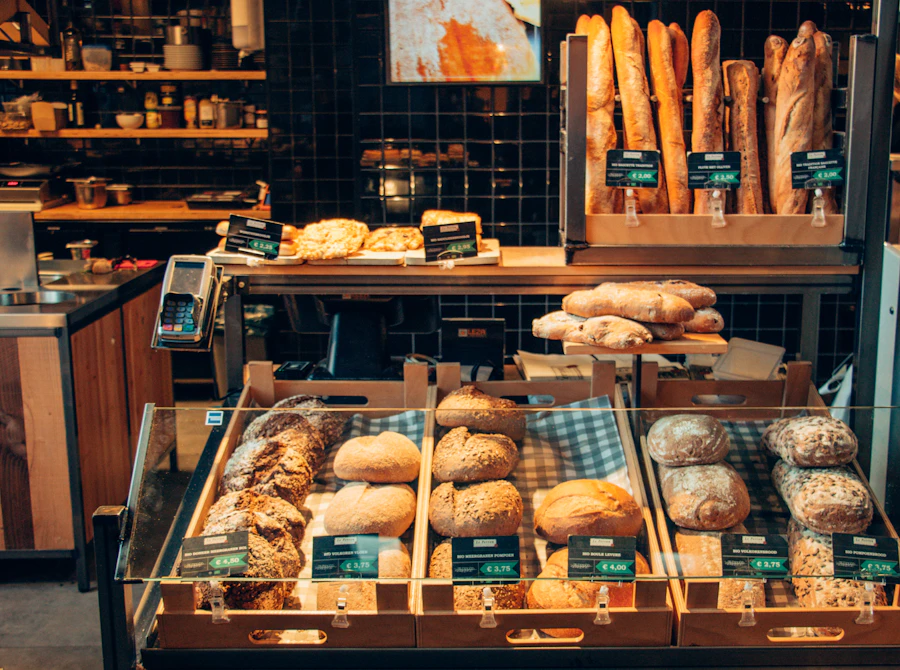
Local bakery
Warm hero, menu highlights, WhatsApp order button
Technonaire Easy Website
Start with a few details. Get an AI chat link by email, receive temporary login, set your password, then switch templates and edit your site yourself.
Ideas for your business
These are the kinds of local-business looks we start from. Share screenshots of anything you love — we use them as reference when drafting yours.
Warm hero, menu highlights, WhatsApp order button
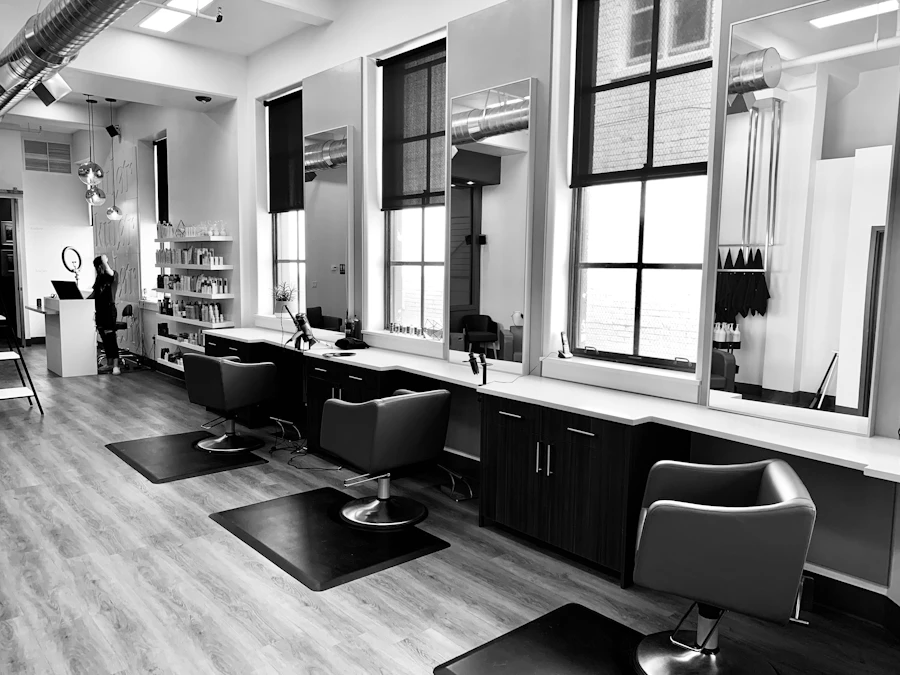
Clean services grid, hours, map, call CTA
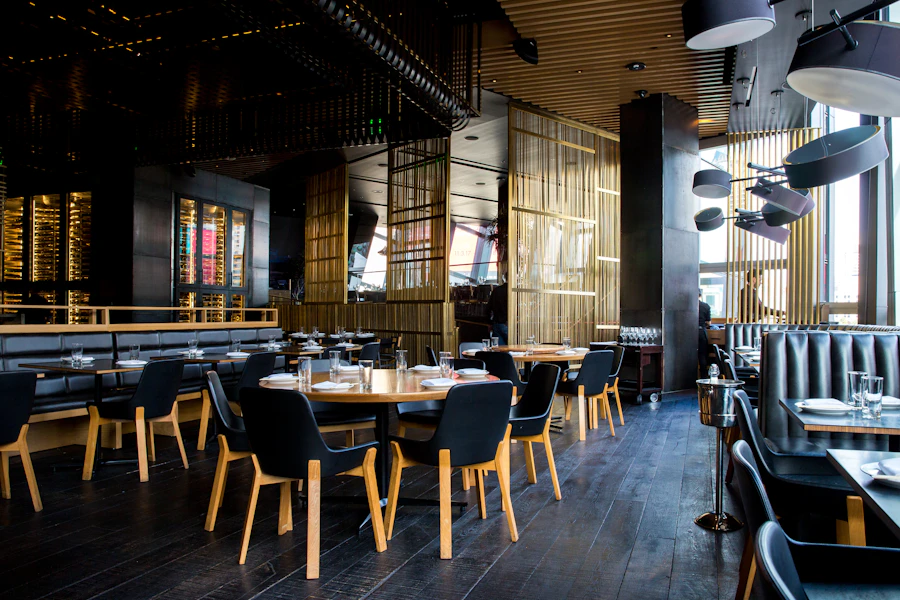
Full-bleed food photography, specials, reservations
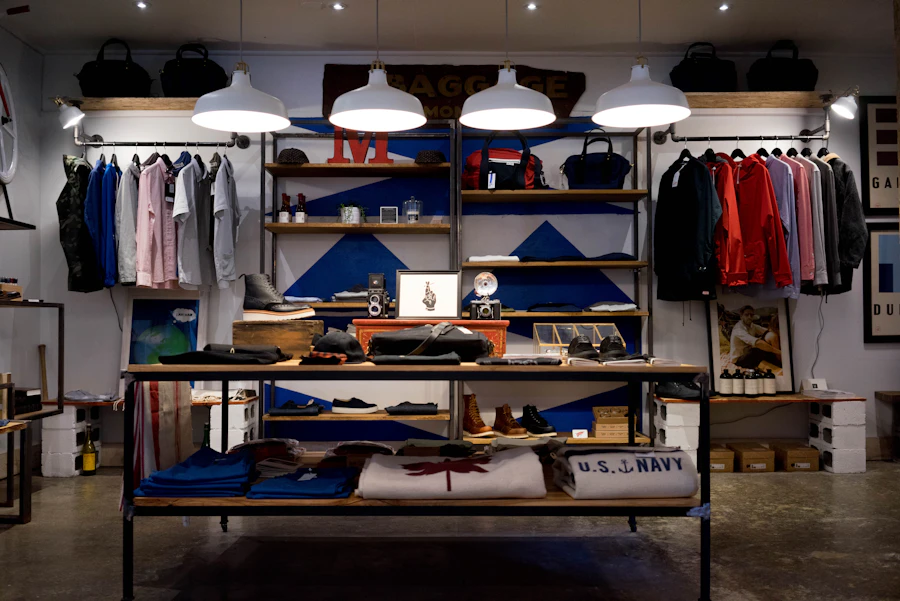
Product story, featured items, contact & location

Courses, results, enrollment form, trust section
About, expertise, case highlights, booking CTA
Warm hero, menu highlights, WhatsApp order button
Clean services grid, hours, map, call CTA
Full-bleed food photography, specials, reservations
Product story, featured items, contact & location
Courses, results, enrollment form, trust section
About, expertise, case highlights, booking CTA
How it works
From signup to templates and editing — five clear steps in Phase 1.
Share your name, email, and website name — that’s enough to start.
We email a private chat link. Open it to verify your email and answer a few quick questions with the AI assistant.
The assistant creates your sample draft and posts temporary credentials in the same chat.
Log in with the temp password, choose your own, then open the editor.
Switch between templates anytime, then click text and photos to edit your site yourself.
Edit pathflow
After you set your password, switch templates and click what you want to change.
Log in to the editor
Use your new password and open your draft site.
Switch templates
Try different looks until one fits your business.
Click to edit
Change headlines, text, colors, and photos in a simple panel.
Save & go live
Save changes when you’re happy — your site stays under your control.
Your homepage
Fast websites for owners who want to change words and photos themselves — without learning a complicated builder.
Edit panel
Headline text
No code. No drag-and-drop maze.
Click what you want to change. Save. Done.
Made for non-tech owners
No drag-and-drop canvas. No block menus. Click what you want to change — we handle the hard design work when you ask in chat.
Update your business name, tagline, about story, and service descriptions anytime.
Swap hero and service images for your own shop photos or stock you prefer.
Tune primary and accent colors so the site feels like your brand, not a template.
Keep phone, address, hours, and email accurate so customers can reach you.
Start here
Just your name, email, and website name. Open the chat — our assistant asks a few questions, then creates your sample draft.